


This article walks you through the steps to install oracle data integrator 11g
Os : Red Hat Enterprise Linux Server release 5.4 (Tikanga)
[root@odil8001 logs]# uname -r
2.6.18-164.el5
2.6.18-164.el5
Prerequisites:
1)Have installed Oracle Database 11g. If not done before, start the services and components for Oracle Database 11g
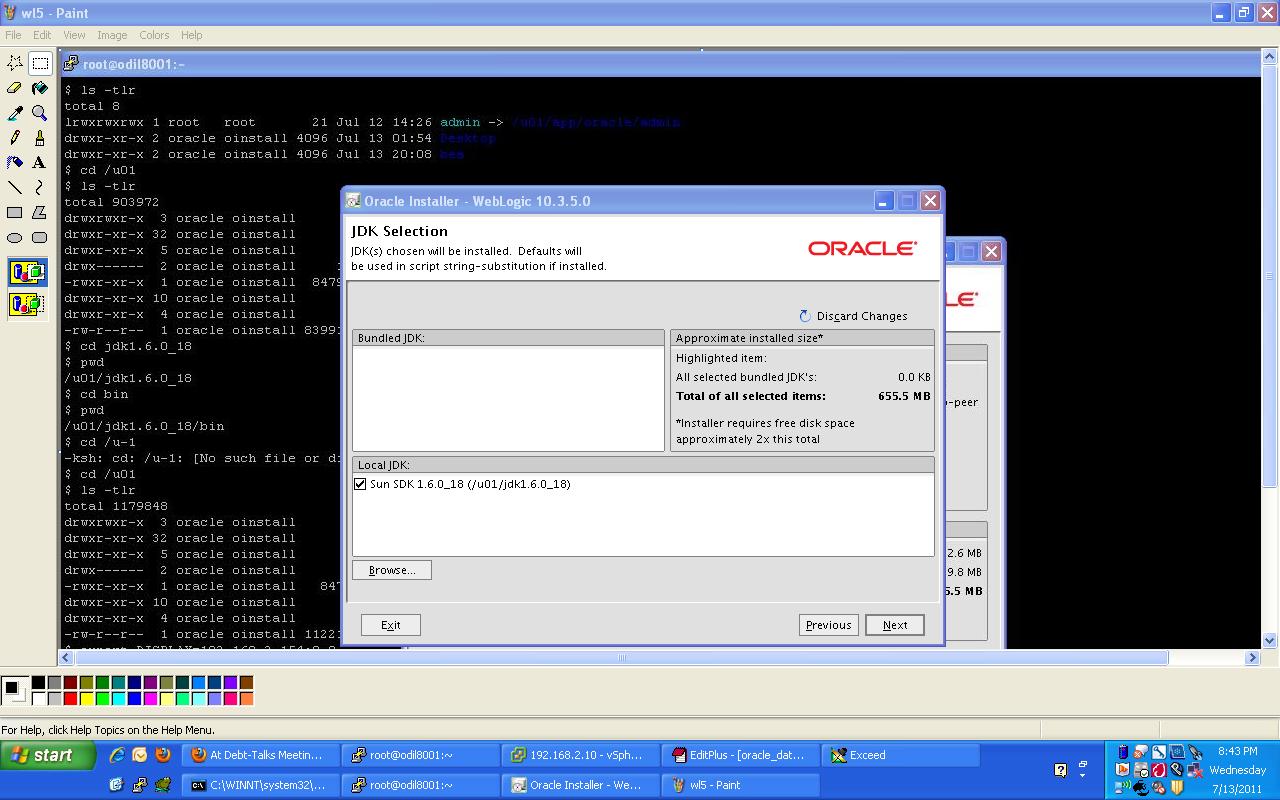
2)Install Oracle WebLogic Server 11gR1 (10.3.5)
Download wls1035_generic.jar to install on 64 bit linux.
-rw-r–r– 1 oracle oinstall 1122139308 Jul 13 20:32 wls1035_generic.jar
$ export DISPLAY=192.168.2.154:0.0
$ /u01/jdk1.6.0_18/bin/java -d64 -jar wls1035_generic.jar
Extracting 0%……………………………………………………………………………………….100%
$ export DISPLAY=192.168.2.154:0.0
$ /u01/jdk1.6.0_18/bin/java -d64 -jar wls1035_generic.jar
Extracting 0%……………………………………………………………………………………….100%




 3)Down load repository creation utility and start creating repository for ODI 11g installation:
/u01/rcuHome/bin/rcu


4)Install odi 11g
$ ./runInstaller
Starting Oracle Universal Installer…
Starting Oracle Universal Installer…
Checking if CPU speed is above 300 MHz. Actual 3200 MHz Passed
Checking Temp space: must be greater than 300 MB. Actual 6380 MB Passed
Checking swap space: must be greater than 512 MB. Actual 2559 MB Passed
Checking monitor: must be configured to display at least 256 colors. Actual 16777216 Passed
Preparing to launch Oracle Universal Installer from /tmp/OraInstall2011-07-13_09-05-42PM. Please wait …
Please specify JDK location ( Ex. /home/jdk ), <location>/bin/java should exist :/u01/jdk1.6.0_18
Checking Temp space: must be greater than 300 MB. Actual 6380 MB Passed
Checking swap space: must be greater than 512 MB. Actual 2559 MB Passed
Checking monitor: must be configured to display at least 256 colors. Actual 16777216 Passed
Preparing to launch Oracle Universal Installer from /tmp/OraInstall2011-07-13_09-05-42PM. Please wait …
Please specify JDK location ( Ex. /home/jdk ), <location>/bin/java should exist :/u01/jdk1.6.0_18


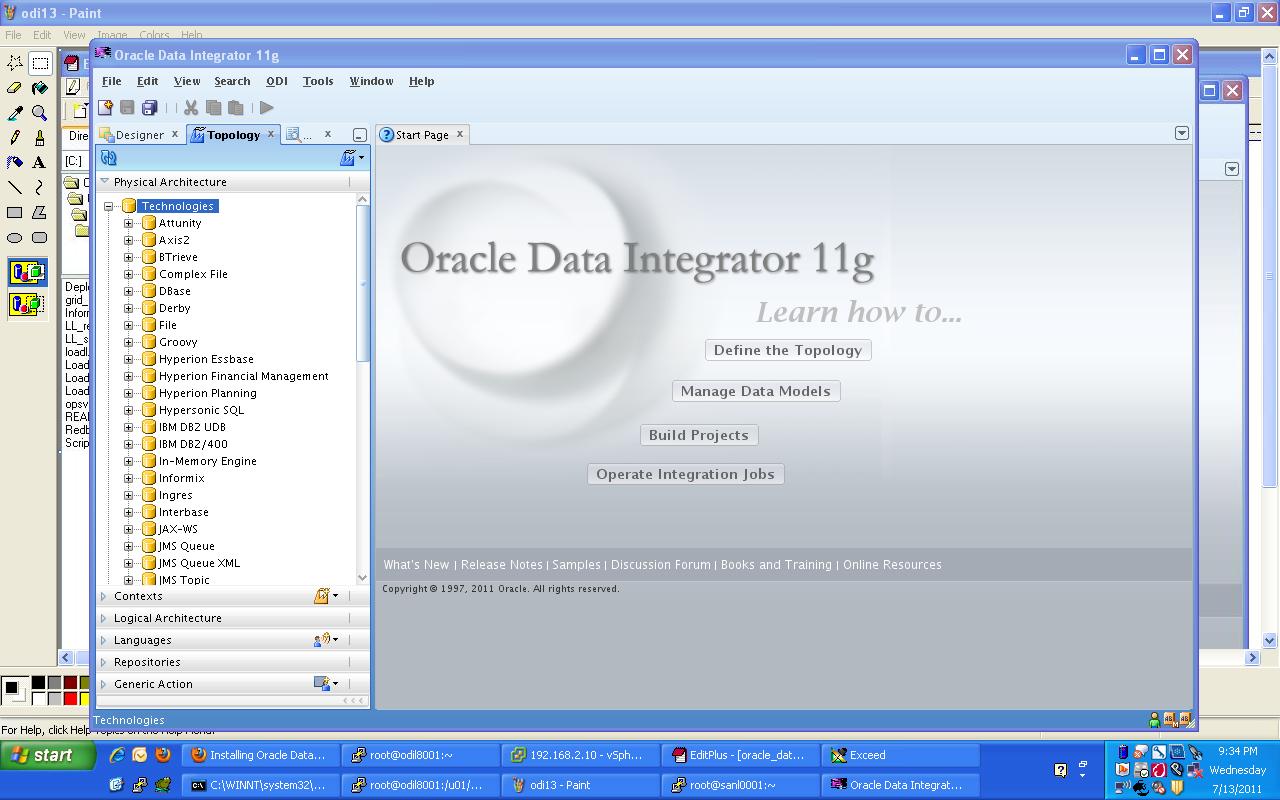
Starting odi console:
/u01/app/oracle/Middleware/Oracle_ODI1/oracledi/client/$ ./odi.sh
Oracle Data Integrator 11g
Copyright (c) 1997, 2011, Oracle and/or its affiliates. All rights reserved.
Copyright (c) 1997, 2011, Oracle and/or its affiliates. All rights reserved.

Deploying and Configuring the ODI Agent as a Java EE Application :
$ pwd
/u01/app/oracle/Middleware/Oracle_ODI1/common/bin
$ ./config.sh
$ pwd
/u01/app/oracle/Middleware/Oracle_ODI1/common/bin
$ ./config.sh
Deploying and Configuring the ODI Agent as a Java EE Application


In the Select Domain Source screen, just click Next.


 $ pwd
$ pwd/u01/app/oracle/Middleware/Oracle_ODI1/oracledi/client
$ ./odi.sh
Oracle Data Integrator 11g
Copyright (c) 1997, 2011, Oracle and/or its affiliates. All rights reserved
Copyright (c) 1997, 2011, Oracle and/or its affiliates. All rights reserved


 In the Logical architecture, create a new logical agent with the same name as your new physical agent

$ pwd
/u01/app/oracle/Middleware/Oracle_ODI1/common/bin
/u01/app/oracle/Middleware/Oracle_ODI1/common/bin


 $ pwd
$ pwd/u01/app/oracle/Middleware/user_projects/domains/odi_domain
$ ./startWebLogic.sh


No comments:
Post a Comment